Add Chief Complaint Patient Information to a Chart Note
The Chief Complaint button allows you access to the Chief Complaint
dialog in a chart note where you can enter a free-text or dictation description
of the patient’s clinical complaint/reason for the visit. When chief complaint
information is entered in the chart note, the information will be tracked
and counted towards the applicable Meaningful Use objectives and/or quality
measures. Use the following steps to add chief complaint information for
a patient.
Open the patient's chart note.
Click the  button in the chart note.
In the Chief Complaint Information dialog, enter
the applicable Chief Complaint Information.
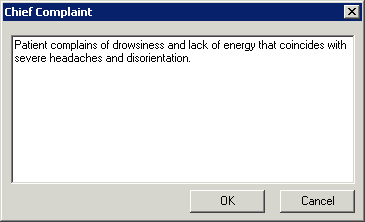
When finished, click the OK
button and the confidential information will appear in the chart note.
