In the template, click the  button.
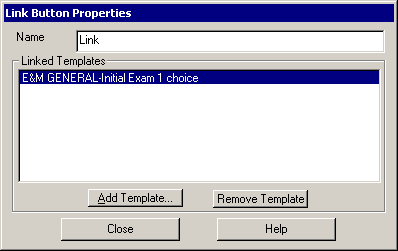
In the Link Button Properties dialog, highlight
the Template you want to remove,
and then click the Remove Template
button.
Repeat step 2 for any other templates you want
to delete from the Link button.
When finished, click the Close button.
